Your family'sliving memory.
Snap a photo in the app, or import a lifetime from your cloud — MemoryVault quietly organizes everything, recognizes the people you love, and turns it all into stories, albums, and a family tree you'll pass down for generations.
Private by design · Face analysis is optional · Export or delete your account data

Capture · Organize · Relive
From the moment it happens —to a story worth keeping.
Tap the camera in your sidebar, take the shot, and watch it slide into your Photos library. From there, MemoryVault's AI quietly turns it into an album, a story, and a new chapter in your family's living archive.
- 01
Capture in one tap
Open the in-app camera from your dashboard — front or back lens, instant shutter. No app switching, no lost moments.
- 02
Lands in your Photos
Every shot is safely stored in your private vault, fully searchable and ready for the AI agents to work their magic.
- 03
Becomes a memory
Use Albums, Stories, and your Family Tree to shape the people and moments you want to preserve.
The intelligence inside
Six AI agents working quietly in the background.
You upload. They organize, recognize, clean, story-tell, and surface the moments worth remembering.
Face recognition
Quietly learns the people you love and groups every photo by person — no manual tagging.
01Event detection
Knows a wedding from a birthday from a vacation. Builds the album before you ask.
02Locations & landmarks
Turns scattered trips into beautiful travel chapters — Paris weekend, Italy 2025.
03Story generator
Animated slideshows with captions, music, and narration — ready to share in a tap.
04Album organization
Groups related photos into albums you can review, rename, and expand over time.
05Smart tagging & search
Ask in plain English: 'photos of my daughter at the beach in 2022.' Done.
06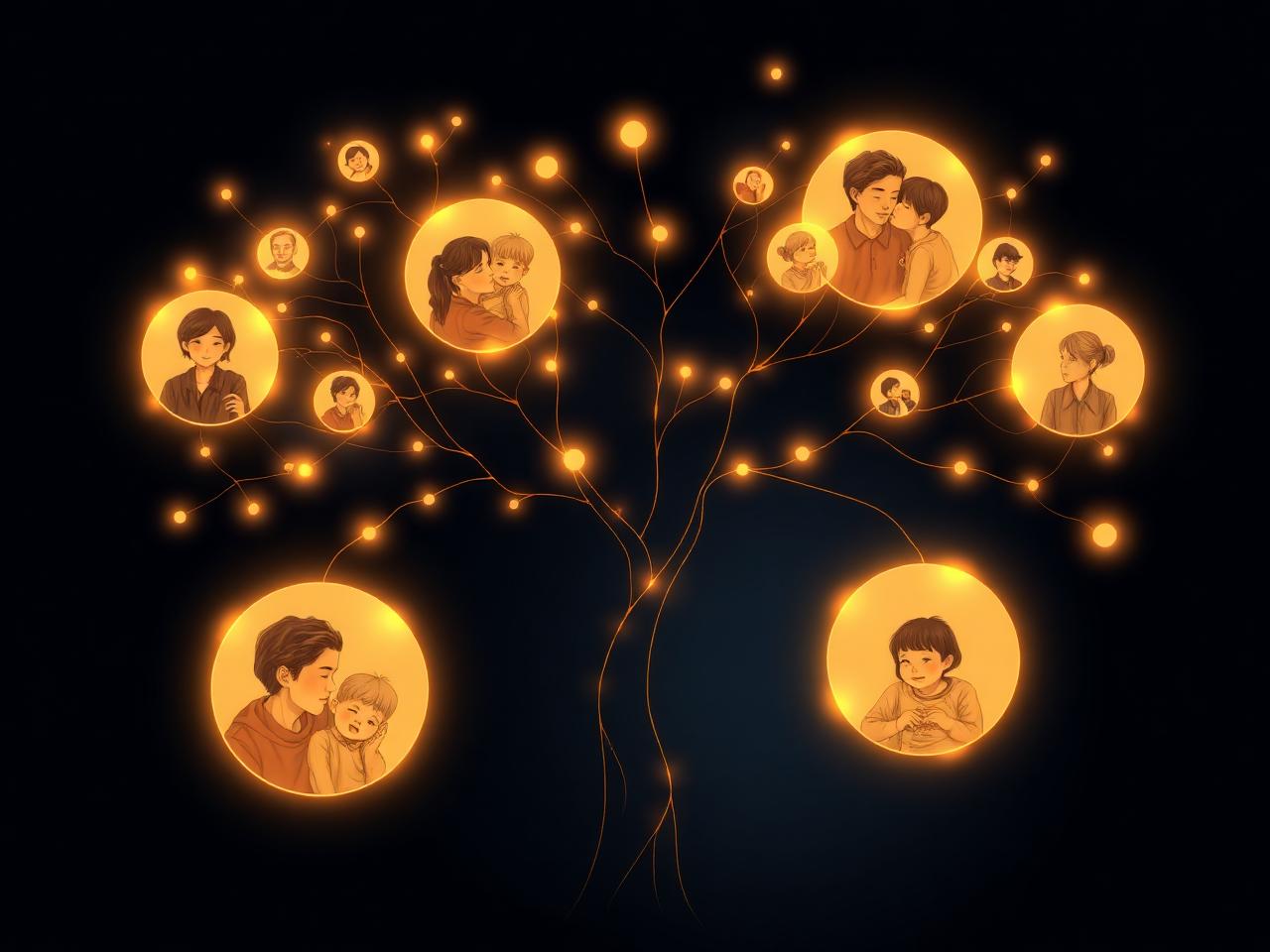
The Family Tree
Build a family history from your memories.
MemoryVault sees who shows up together, suggests relationships, and quietly assembles a living family tree — with photos, biographies, and milestones woven through every branch.
- AI relationship suggestions you confirm in a tap
- Timeline of births, weddings, anniversaries, and trips
- Tap any name to see every photo, video, and story
- Shareable stories for the relatives you choose
Memory Time Machine
On this day, five years ago…
Wake up to a tiny slideshow from a moment you almost forgot. Daily, weekly, yearly — the memories you didn't know you needed.
MCP · New
Talk to your vaultfrom any AI you love.
MemoryVault now exposes a private, OAuth-protected MCP endpoint. Add it once to ChatGPT, Claude, Cursor, or Codex — then just ask, in plain words, and your assistant can browse the memories you already trusted us with.
https://memoryvault.online/mcpConnect your assistant
Three steps, whichever assistant you use.
- 011
Open ChatGPT · Settings · Connectors
- 022
Choose Add custom connector and paste your MemoryVault URL
- 033
Sign in with MemoryVault and approve — tools appear instantly
Pricing
Choose the space your memories need.
Premium includes a 7-day free trial. Family and Professional begin billing immediately. Existing memories are never automatically deleted after cancellation.
Premium
- 100 GB storage
- Face recognition
- AI search
- Smart albums
- Story generator
Family
- 500 GB storage
- AI Family Tree
- Sharing links
- Priority processing
Professional
- 2 TB storage
- Advanced AI
- Unlimited stories
- Story video exports
FAQ
Questions, answered.
Are my photos private?
Your vault uses account-scoped access controls. MemoryVault AI does not sell your personal information, and you choose when to create sharing links.
Will the AI work on photos from years ago?
Yes. Upload older photos from your device, then use MemoryVault's organization tools across your archive.
What happens if I cancel?
Cancellation takes effect at the end of the current billing period. Existing memories are preserved, while new uploads may be limited by your new storage allowance.
How does the Family Tree work?
MemoryVault suggests relationships from your organized photos. You review and confirm those suggestions as you build the tree.
Can I share memories?
Yes. You can create a sharing link for a finished story and decide who receives it.
Can I use MemoryVault from an AI assistant?
Yes. Connect a compatible MCP assistant, authorize your MemoryVault account, and use the available read-only tools to browse recent media, people, and stories.
The memories worth keeping
deserve a home.
Try Premium free for 7 days, or choose Family or Professional for more storage.
Create your vault